
The MultiDatePick Blog
Practical guides to calendars and scheduling in Salesforce: views, time slots, conflicts, setup, and the platform limits nobody warns you about.
Calendar views
Five ways to see the same Salesforce records, and when each one fits.
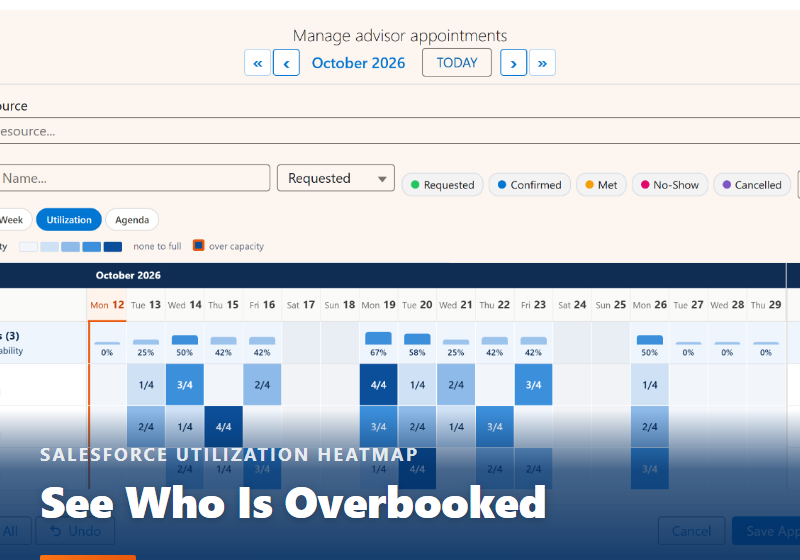
The Salesforce Utilization Heatmap: See Who Is Overbooked at a Glance
Every room, person or asset down the side, every day across, and each cell showing booked against capacity. Overbooking flags, the combined availability row, and who uses it, from room planning to team capacity.
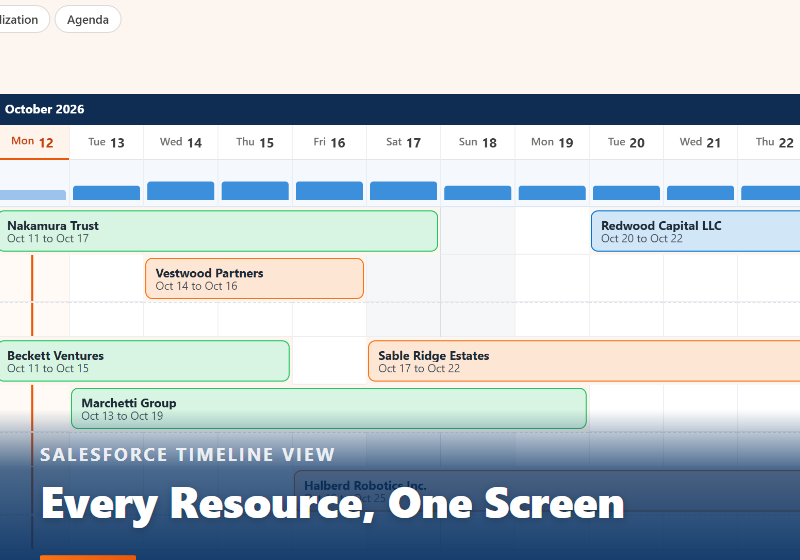
The Salesforce Timeline View: Every Resource and Booking on One Screen
Rooms, people, equipment or projects down the side, dates across the top, and every booking drawn as one bar. Lanes for overlaps, a capacity strip, Day to Month zoom and drag to reschedule.
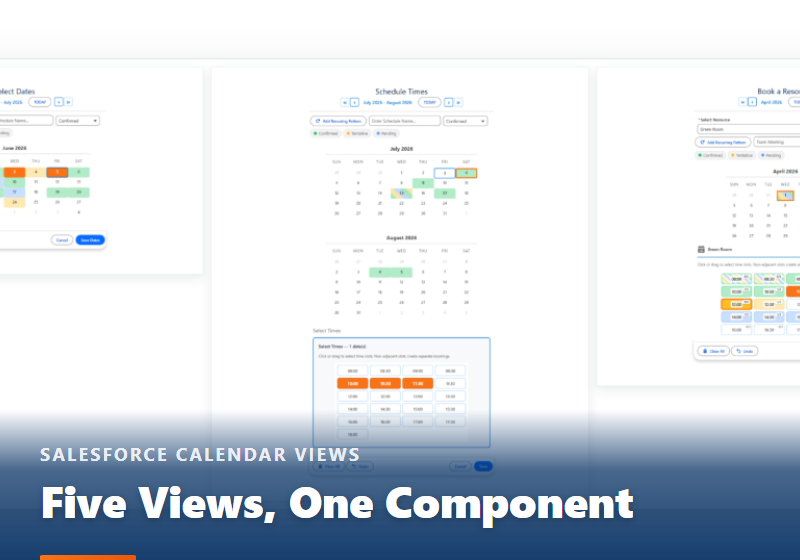
Five Calendar Views, One Salesforce Component
Calendar, Timeline, Week, Utilization and Agenda, all reading the same records through the same field mappings, and chosen per placement with one setting. No second install.
Scheduling and booking
Time slots, conflicts, capacity and recurring dates on your own objects.
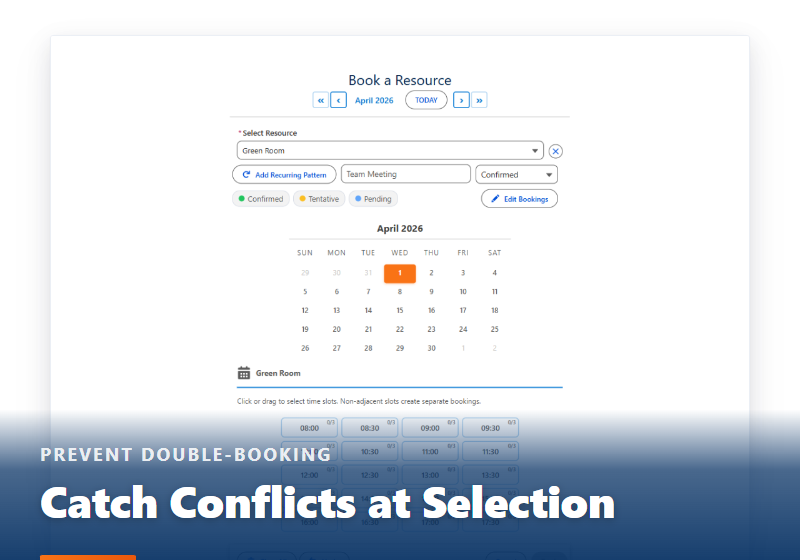
Preventing Double-Booking in Salesforce
Validation rules cannot see other records, and duplicate rules match on equality while overlaps do not. Why conflict and capacity are different problems, and why the fix belongs at selection time.
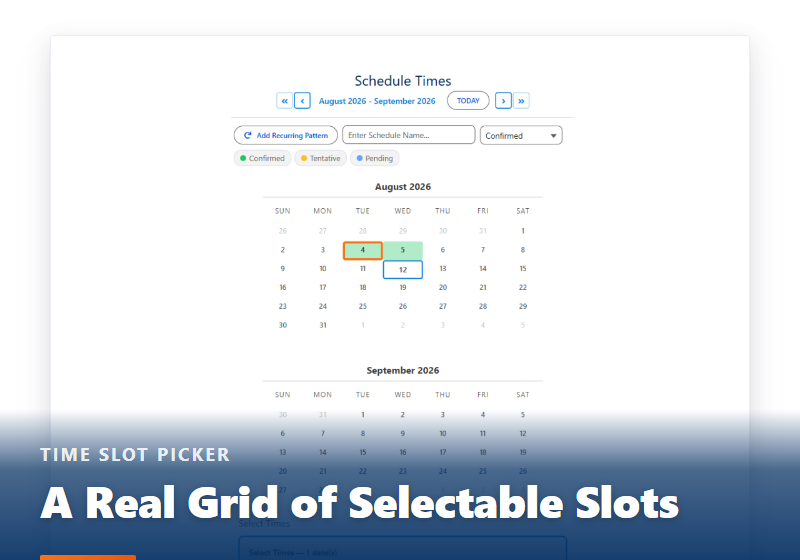
Building a Calendar Time Slot Picker in Salesforce
Salesforce gives you a date picker and a time field, but no grid of selectable slots. What a real time slot picker has to do, the parts nobody scopes, and the settings that give you one without code.
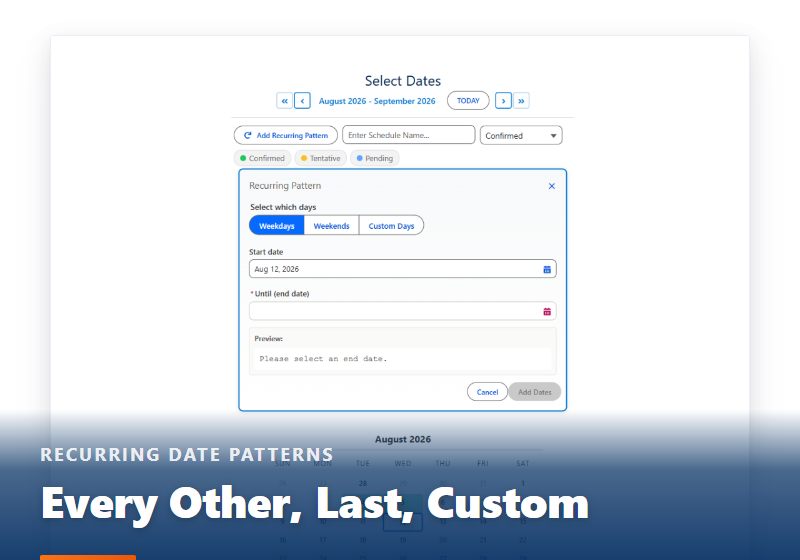
Recurring Date Patterns in Salesforce
Every other Tuesday, the 2nd and 4th Friday, the last Saturday. Salesforce recurrence stops at Events and Tasks. The two kinds of recurrence, why "last" breaks hand-rolled logic, and whether to store the rule or the dates.
Setup and Flow
From the Setup Wizard to a Screen Flow, without writing code.
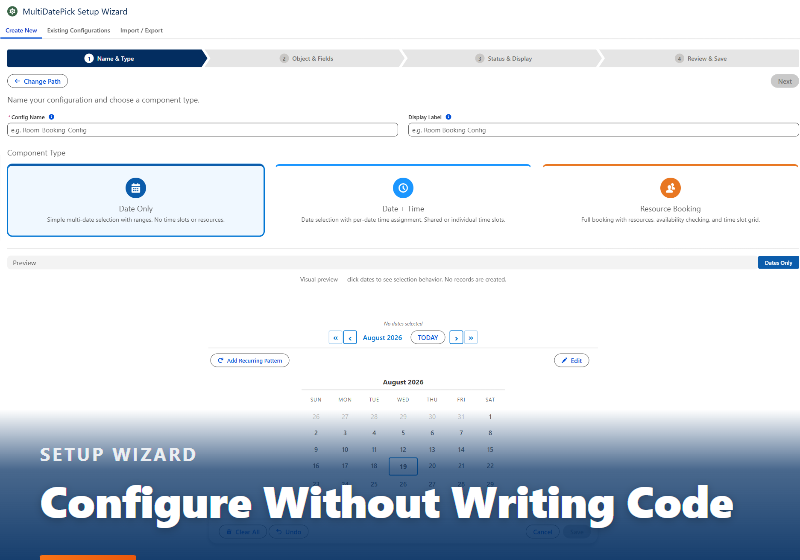
Configuring a Salesforce Calendar Without Writing Code
100+ properties sounds like a project. It is a wizard, three questions about the shape of your records, and a live preview of the real component. Plus what it writes: a deployable, reusable Custom Metadata record.
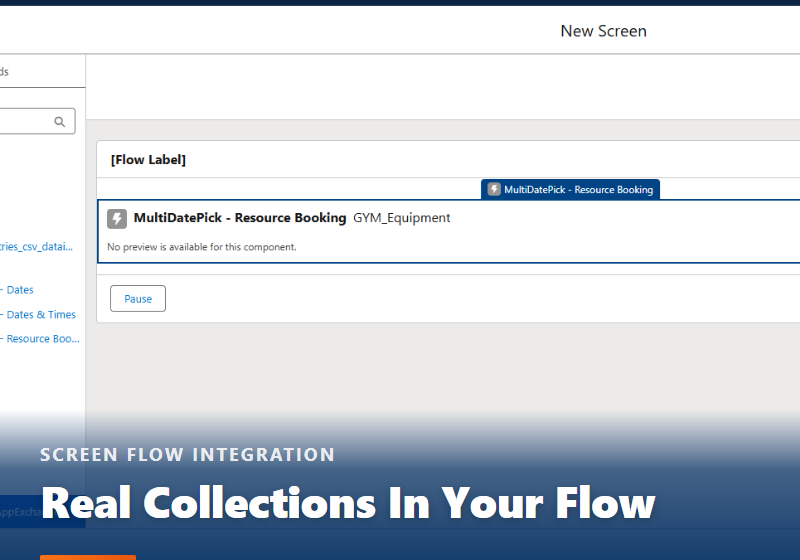
How to Let Users Pick Multiple Dates in a Salesforce Screen Flow
Flow captures one date per element. Five common workarounds, why the start-and-end-date version is quietly wrong, and how to get a real collection back into your flow.
Use cases
What teams put on a multi-date Salesforce calendar.
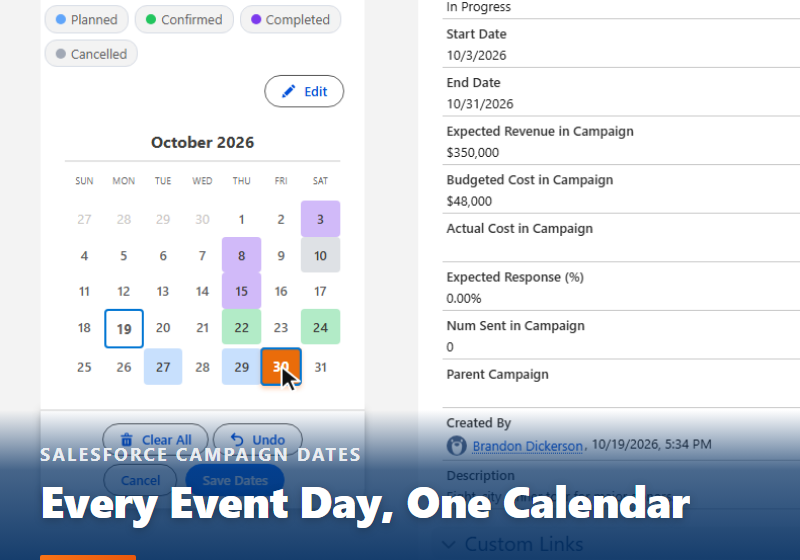
Salesforce Campaign Dates: Every Event Day on One Calendar
A Campaign has one start date and one end date. Put every tour stop, webinar session or volunteer day on the Campaign record instead, each one a real record with a status color. Three setup steps, no Apex.
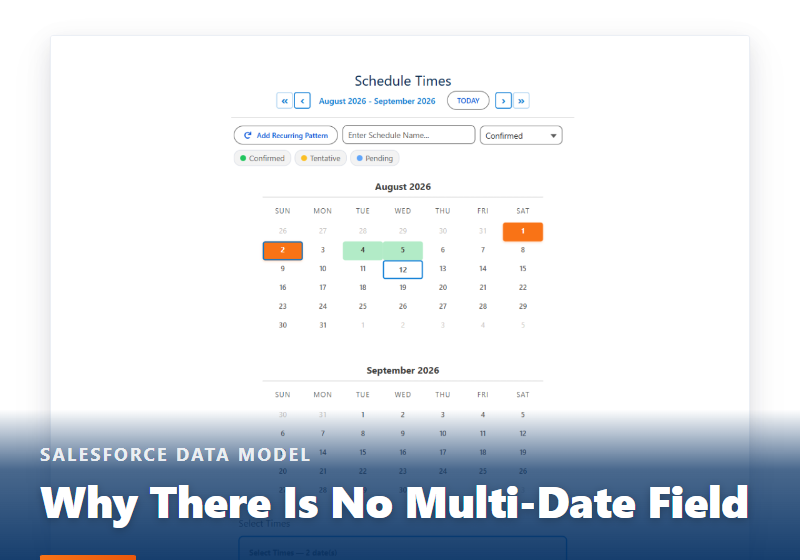
Why Salesforce Has No Multi-Date Calendar
A date field holds one date, and every workaround for capturing many at once leaks somewhere. What the three MultiDatePick components do instead, set up without code.
Accessibility and government
WCAG 2.1 AA, Section 508 and the VPAT behind the calendar.
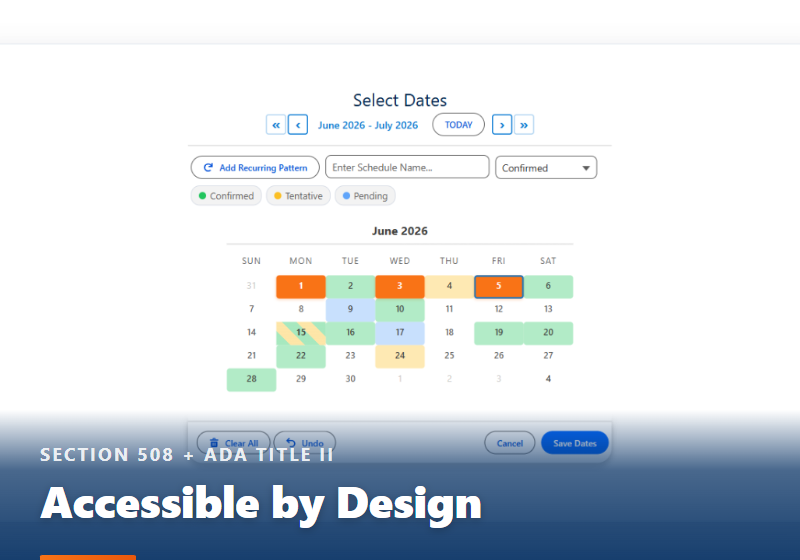
An Accessible Salesforce Calendar for Government Teams
The ADA Title II web rule gives state and local agencies until April 2027 to meet WCAG 2.1 AA. Where scheduling shows up in a government org, and what MultiDatePick does criterion by criterion.
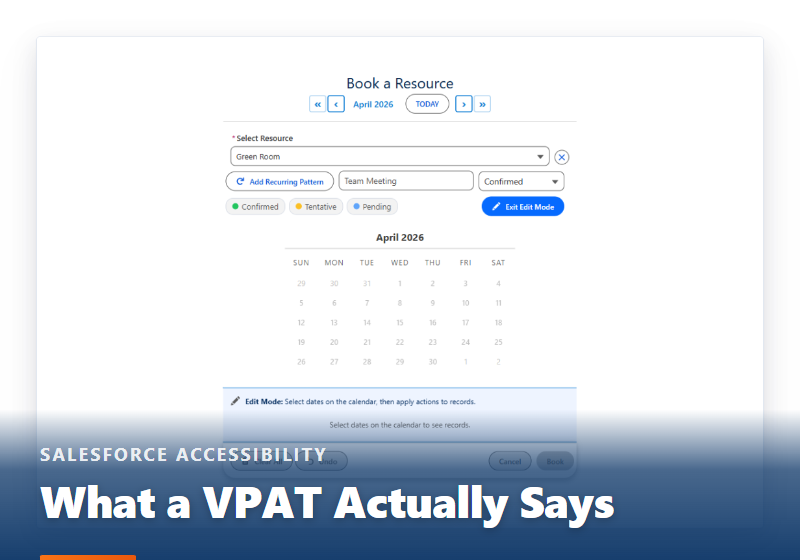
Salesforce VPAT: What Admins Need to Know
What a VPAT is, why it appears during procurement rather than evaluation, how to read the conformance levels, and the questions to ask a vendor. Plus why calendars are hard to make accessible.
The calendar behind the posts
Try every view in the live demo, or get a note the day MultiDatePick launches.
- $20/user/month, every feature
- 30-day free trial, no card
- 100% native Salesforce
- No Apex
- Coming soon to the Salesforce AppExchange