
Interview scheduling: Salesforce Interview Scheduling Calendar
Offer real interview slots, catch the clash before it happens, and save every round straight into Salesforce. No email ping-pong, no outside scheduler, no code.
Or book a slot in the live demo now, no login →- Any slot length
- Conflict checks
- Panel capacity
- Interviewer hours
- Round status
- Week view
- Candidate self-booking
- No code
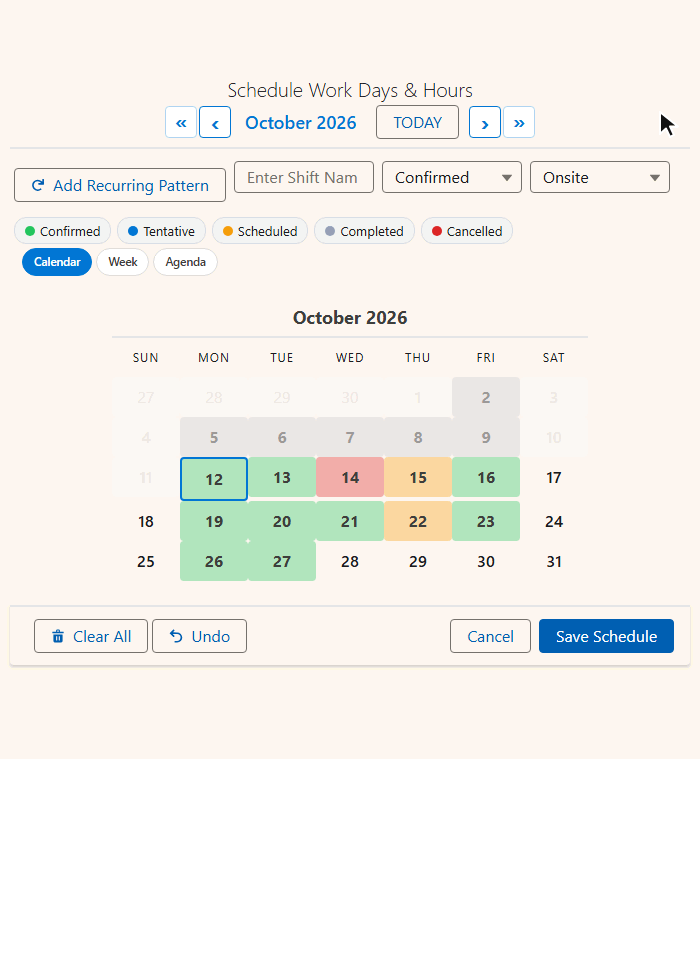
Book a slot like a candidate would
The live demo is a public Salesforce site where visitors book advisors by the half hour. Interviewers work the same way.
What makes interview scheduling different
Interviews break where the person booking cannot see who is busy. MultiDatePick shows it at the moment of choosing.
| Coordinator task | Standard Salesforce | With MultiDatePick |
|---|---|---|
| Offer three slots | Typed into an email | Picked from a live grid |
| Is the interviewer free? | Another tab, and hope | Their bookings on the grid |
| Two coordinators at once | Last one wins | Clash caught on save |
| Panel of three | Three separate records | Live 2/3 badge on the slot |
| Candidate moves it | Delete and recreate | Edit date, time or interviewer inline |
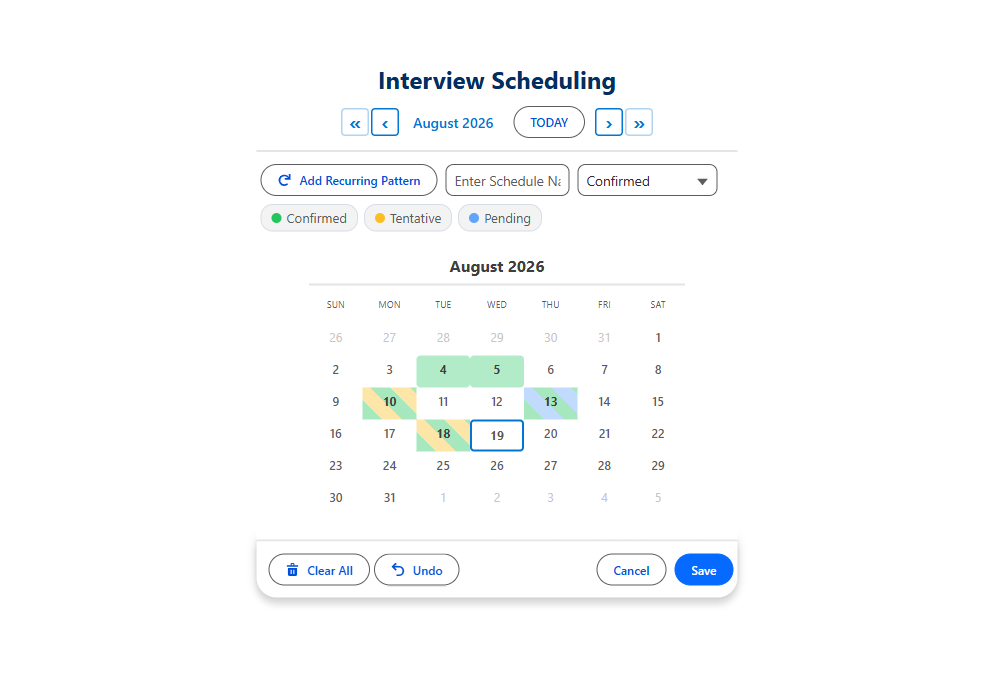
Interviews belong in the week grid
An interview is a time-of-day question, and a month grid hides times. Week shows seven days by your business hours, each interview as tall as it runs.
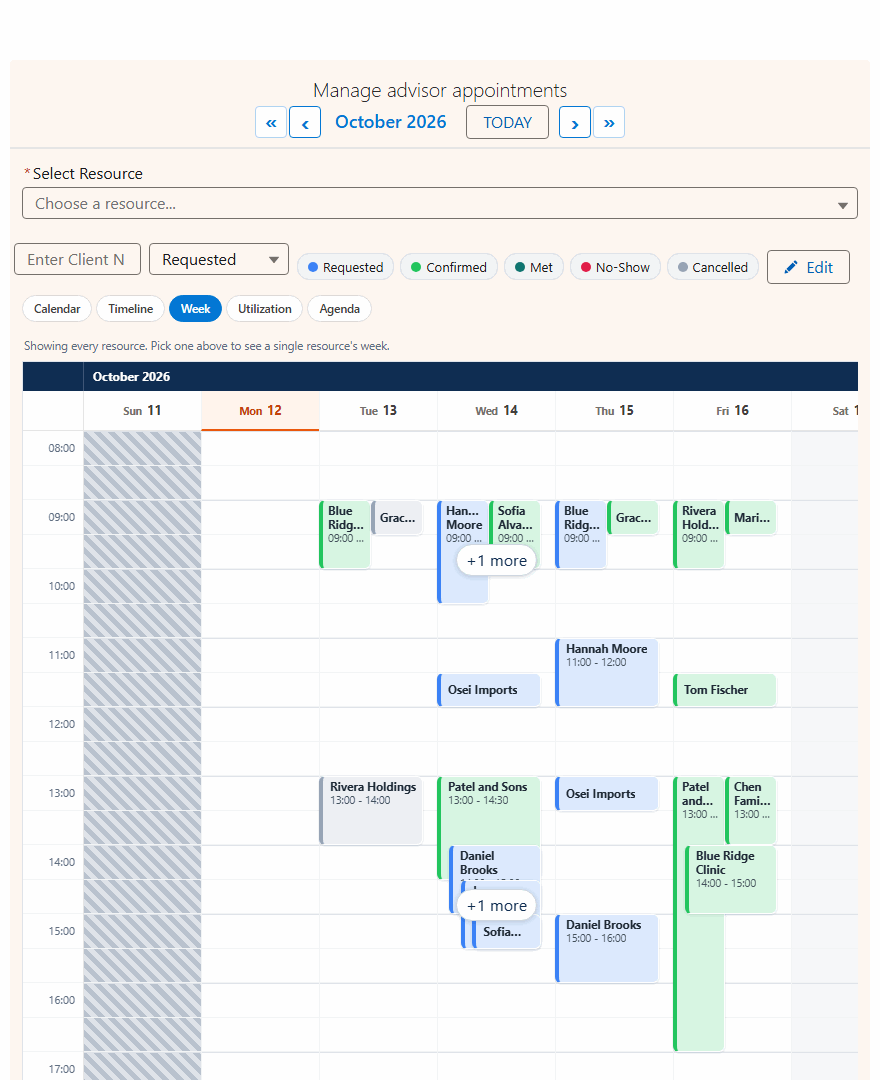
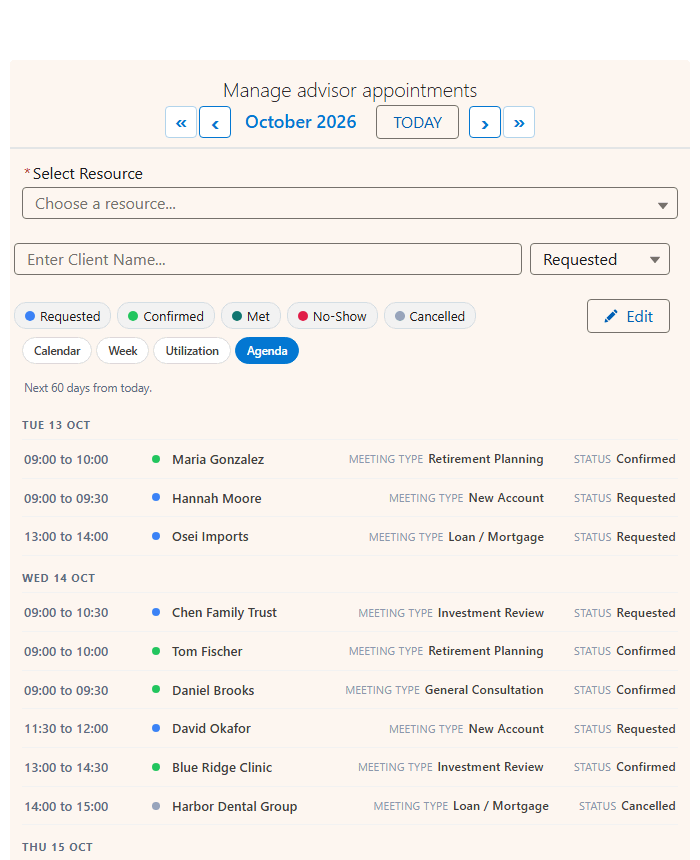
One save path for every view. A coordinator switching from Week to Agenda or Calendar creates the same interview record every time.
Let the candidate book, or run it from a Screen Flow
Same component, same config. Nothing leaves your org, and there is no outside scheduling vendor in your security review.
- Send a link, the candidate picks an open slot
- Only the slots you offer, inside interviewer hours
- Blocked dates from your own records
- The booking saves as a normal record at once
- Set Config Name; every checkbox comes from the config
- Pass the candidate into Parent Record Id
- Booked slots and conflicts come back as outputs
- Next steps: send the invite, update the submittal
Full walkthroughs: Experience Cloud booking and the Screen Flow Guide.
Start from a config
Import one of 40+ ready configs into the Setup Wizard, pick your own objects and fields from dropdowns, and save.
Interview Scheduling
Multi-round interviews across several days.
- Time Interval (Minutes)30, or 45 for longer rounds
- Conflict BehaviorBlock
- Second Picklist FieldRound
- ViewWeek, with Calendar and Agenda
Advisor Appointment Booking
Pick the interviewer from a list of users.
- ResourceUser, filtered to interviewers
- Business Hours Start / End FieldWorking hours on User
- Conflict BehaviorBlock
- Load Existing BookingsOn
Booking several rounds at once? Set Conflict Behavior to Skip. The open slots save, and the clashes are listed for the coordinator.
Salesforce interview scheduling questions
Short answers to what people search.
Can you schedule interviews in Salesforce?
Yes, with MultiDatePick. Recruiters pick one or many dates and the time slots on one screen, and each interview saves as a record on your own object, linked to the candidate. Existing interviews are drawn on the grid, so taken slots are visible before anyone books.
Can interview slots be 45 minutes?
Yes. Time Interval (Minutes) takes any number. 15, 30 or 60 minutes are typical, and 45 or 90 work the same way.
How do I stop an interviewer being double booked?
Make the interviewer the resource, often the User object, and set Conflict Behavior to Block. Every save is checked against existing bookings. For a panel, add a Capacity Field so a slot stays open until every seat is filled.
Can candidates book their own interview?
Yes. Put the same component on an Experience Cloud site page and set Config Name and Static Parent Record Id. Candidates see only open slots inside interviewer hours, and the booking saves straight into your org.
How is this different from Salesforce Scheduler?
Salesforce Scheduler is a paid add-on built on its own data model for appointments. MultiDatePick books on your own objects, with multi-date selection, capacity and five calendar views. See the full comparison of Salesforce Lightning Scheduler and MultiDatePick.
How much does MultiDatePick cost?
$20 per user per month for every component and feature, with a 30-day free trial and no card required. It is 100% Salesforce native and coming soon to the Salesforce AppExchange.
Stop scheduling interviews in your inbox
Coming soon to the Salesforce AppExchange. Try the live demo now, or tell us where to send the launch note.
$20/user/month, 30-day free trial, no card required. Passed AppExchange Security Review. 100% Salesforce native.