
Preventing Double-Booking in Salesforce
Validation rules cannot see other records. That single limitation is why most Salesforce booking systems discover their conflicts a day late.
Double-booking is a timing problem. By the time anything in standard Salesforce can tell you the room is taken, the user has already chosen it, filled in the rest of the form, and moved on.
Why the obvious tools do not work
| Tool | What it can do | Why it falls short |
|---|---|---|
| Validation rule | Check fields on the record being saved | Cannot query other records at all |
| Duplicate rule | Match on field equality | 9:00 to 10:00 and 9:30 to 10:30 clash but do not match |
| Record-triggered flow | Query and block on save | Fires after the user committed; bulk-unsafe if written naively |
| Custom code | Full control, correct overlap logic | Still rejects at save, and now you own the code |
They all share the same shape: reject the user after the choice. Even a correct custom solution produces "that slot is taken, please try again," which is a worse experience than never offering the slot.
Overlap is not equality
Duplicate rules tempt people, so here is the rule. Two bookings conflict when one starts before the other ends and ends after the other starts. A booking from 9:00 to 10:00 and one from 9:30 to 10:30 overlap by half an hour while sharing no identical field values. Any approach based on matching values will miss it every time.
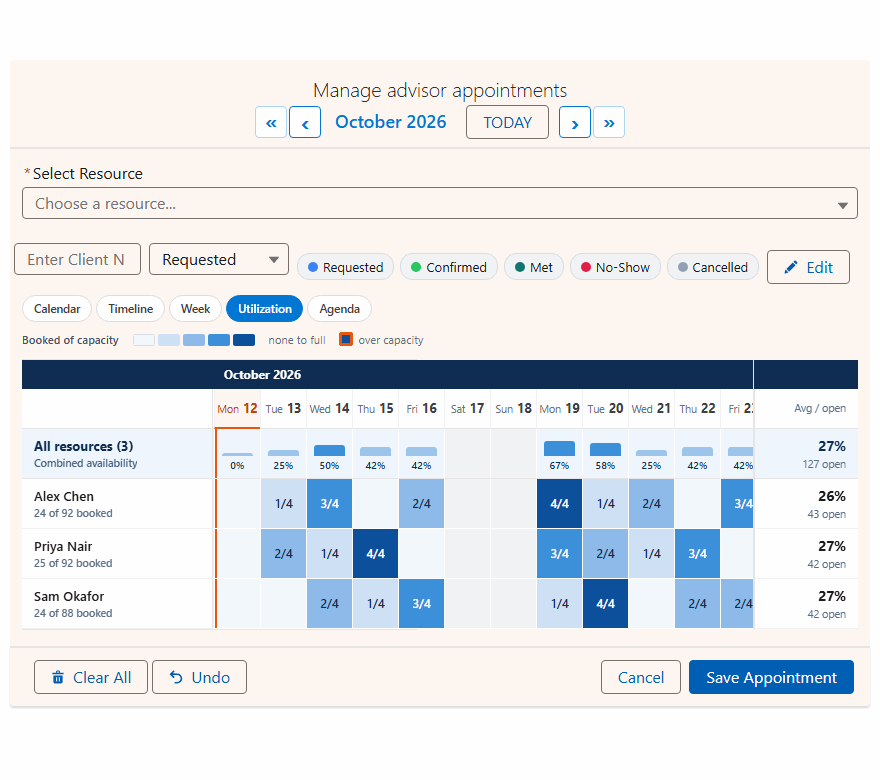
Conflict and capacity are different problems
They often get treated as one thing.
A conflict
Two things competing for a resource that holds one. A room, an interviewer, a vehicle.
Capacity
A resource that holds several. The question is how many are left. A class with twenty seats, a shift needing four nurses, a desk zone with sixty spaces.
Treating a capacity resource as a conflict resource means you can never book the second person. Treating a conflict resource as capacity-of-one technically works but loses the counts you probably want to report on.
Three sensible behaviors
"Block it" is not always right. When somebody selects twelve dates and two of them clash, rejecting the whole submission is hostile. Useful systems offer a choice:
Block
Refuse the save and report the clash. Right when every date matters.
Skip
Save the ten that are free, report the two that were not. Usually the humane default for bulk selection.
Allow
Permit the overlap deliberately. Some businesses overbook on purpose.
The real fix is earlier
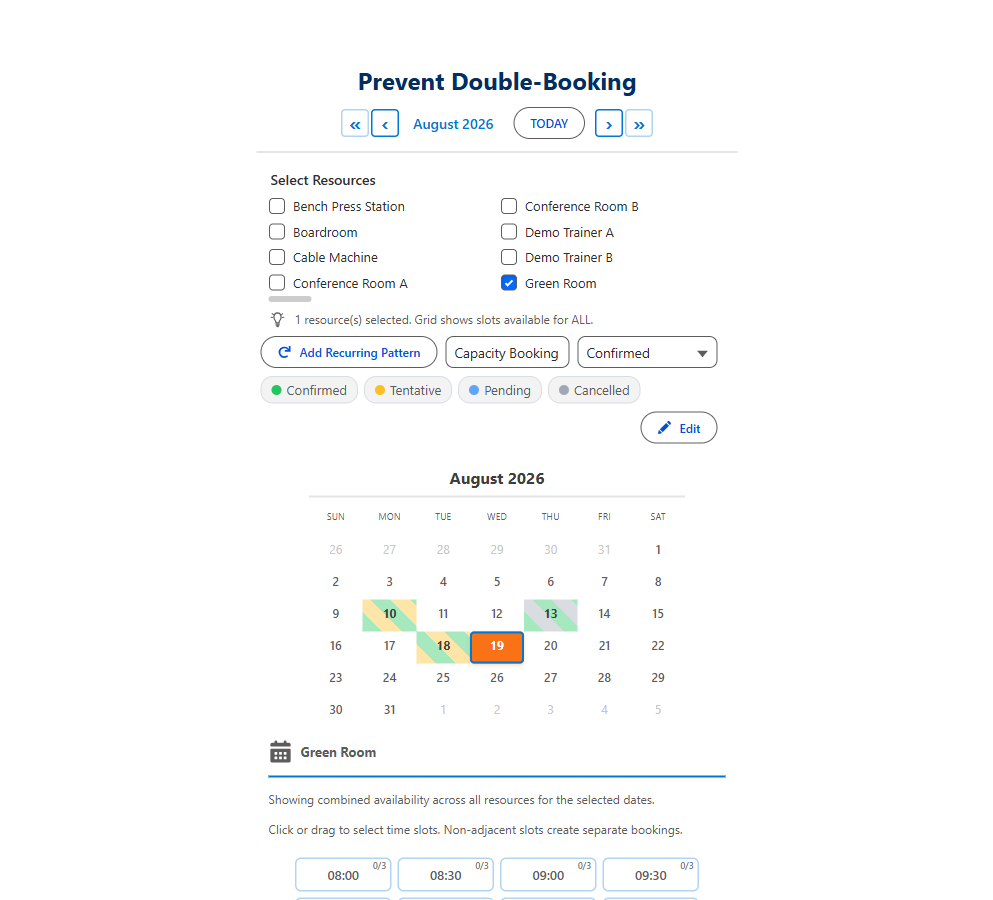
Every mechanism above operates at save time. The fix is to move the check to selection time: query what already exists when the calendar loads, draw it onto the grid, and never offer a slot that is gone. Save-time checks still run as a backstop for the genuine race condition where two people are looking at the same free slot, but they stop being the primary defense.
Stop double-booking at the moment of choice
Book a slot in the live demo and watch taken times drop out of the grid.
- $20/user/month, every feature
- 30-day free trial, no card
- 100% native Salesforce
- No Apex
- Coming soon to the Salesforce AppExchange